Alternatives · ShadeCoder
The ShadeCoder alternative
for macOS.
We make Hidini, so of course we think it is the better choice. What we can do is keep it checkable: every claim below comes from the two products' own sites and published installers, including the places ShadeCoder is genuinely ahead of us.
 ShadeCoder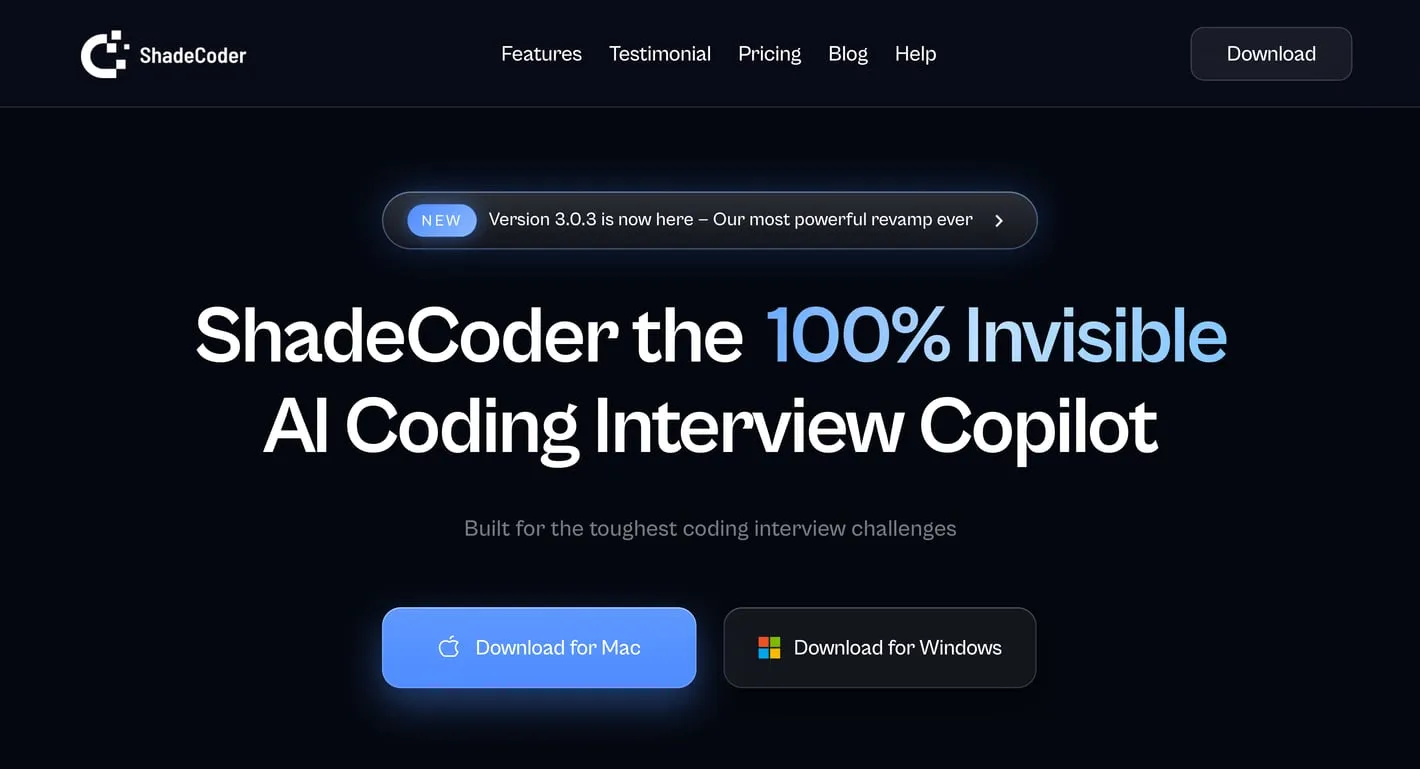
$69 / month
 Hidini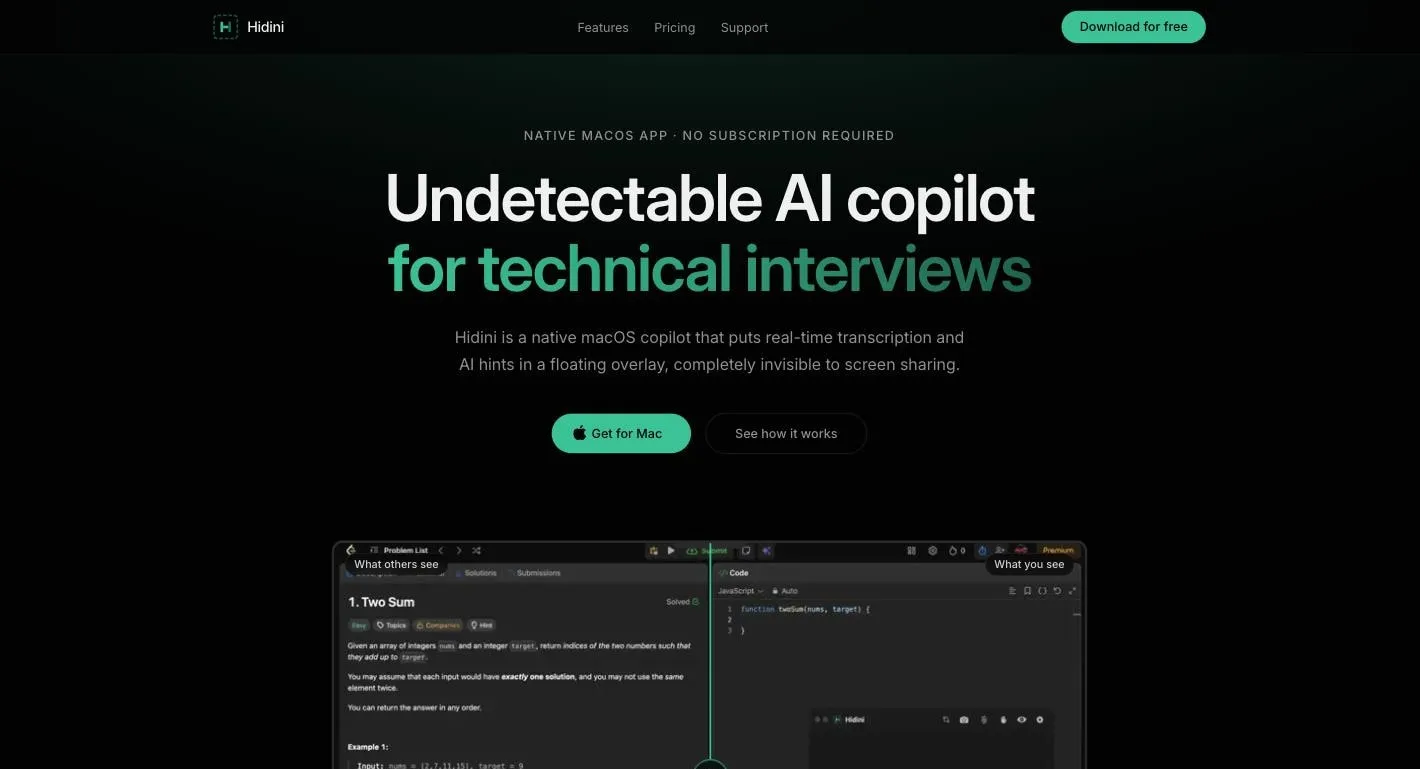
$79.99 once
The comparison, at a glance
| Feature | Hidini |  ShadeCoder ShadeCoder |
|---|---|---|
| Pro price | ✓ $79.99, one time | ✕ $69 per month, or $39 per week |
| Lifetime option | ✓ $79.99 (Pro is already lifetime) | ! $699 one time |
| Free tier | ✓ 50 AI credits, no card | ! 5 credits per month, no card |
| Credits on the paid plan | ! 500 included, $10 per 1,000 more | ✓ Unlimited |
| Choice of AI model | ✓ Claude, GPT, Gemini | ✓ OpenAI and Claude models |
| Your own API keys | ✓ Claude, GPT, Gemini | ✕ Not on their site |
| Local AI, offline, $0 | ✓ LM Studio, Ollama, Jan | ✕ Not on their site |
| Hears the interviewer | ✓ Choice of 4 transcription engines | ✓ Yes, engine not published |
| Screen problem analysis | ✓ Yes | ✓ Yes |
| Hidden from screen sharing | ✓ Yes | ✓ Yes |
| Invisible sticky notes | ✓ Yes | ✕ No |
| High contrast mode | ✓ Yes | ✕ No |
| Windows version | ✕ macOS only | ✓ macOS and Windows |
| Mac installer size | ✓ 4.2 MB | ✕ 268 MB |
| Idle CPU | ✓ 0% | ! Not published |
Everything above about ShadeCoder comes from its own site, https://www.shadecoder.com, and its help center, checked in July 2026. "Not on their site" means exactly that: we looked through their pricing, features, help center, and FAQ and found no mention of it, which is not the same as knowing the app cannot do it. Pricing on both sides has changed before and may change again, so confirm it yourself before deciding. The screenshots at the top of this page are that homepage next to hidini.com.
Beyond the checkmarks, both apps do the same core job. An overlay floats on your screen during a technical interview, follows the conversation, and gives you AI help with whatever question you are facing. Screen sharing cannot see it. Zoom, Google Meet, and Microsoft Teams capture a clean desktop while you read hints. So the real question is not what they do. It is what they cost, what they weigh, and what you get around the edges.
What the money actually looks like
Start with the honest part: for one month, ShadeCoder is cheaper. Their monthly plan is $69 and Hidini Pro is $79.99, so if you have one interview next week and you are done, they cost you about eleven dollars less. Their weekly plan is cheaper still at $39, and if a single week is genuinely all you need, that is the best deal on this page.
Job searches rarely work like that. Two to four months is normal and longer is not rare. From month two onward there is no second payment on our side, which is where the shape of the two numbers separates:
| Hidini Pro | ShadeCoder monthly | ShadeCoder lifetime | |
|---|---|---|---|
| Month 1 | $79.99 | $69 | $699 |
| Month 2 | $0 | $69 | $0 |
| Month 3 | $0 | $69 | $0 |
| Every month after | $0 | $69 | $0 |
| Total after 6 months | $79.99 | $414 | $699 |
Six months of the monthly plan is $414. The weekly plan is the one to watch: $39 a week is $2,028 a year if you forget to cancel, which is why we would not sign up for it before an interview process you cannot see the end of. Their lifetime plan removes that risk at $699, which is roughly nine times Hidini Pro. One more thing worth knowing before you pay either of us: ShadeCoder's FAQ states a no-refund policy on all purchases. Ours reviews requests case by case within 14 days, which is not a guarantee either. Use the free tiers.
Credits: they include more, we let you leave
Every paid ShadeCoder plan lists unlimited credits. Ours does not. Hidini Pro includes 500, and another 1,000 costs $10 inside the app. Taken on its own, that is a point for them, and we would rather say so than quietly leave the row out.
What makes it a smaller point than it looks is that Hidini lets you stop using credits altogether. Plug in your own API key for Claude, GPT, or Gemini and the app talks to the provider directly, spending nothing from your balance. A full interview session at raw API rates usually costs cents. If you already pay for one of those APIs, your marginal cost of using Hidini is close to nothing, and unlimited credits on someone else's plan stops being an advantage.
Prefer not to send anything to the cloud at all? Hidini also works with local models through LM Studio, Ollama, or Jan. That runs entirely on your Mac, costs nothing per request, and keeps working when the hotel wifi does not. We found nothing on ShadeCoder's site or in its help center about either option, so as far as their published material goes, a paid plan is the only door to their AI.
4.2 MB against 268 MB
This is the one number on the page you can check in about thirty seconds without installing anything. Both products link their Mac installer straight from the download button, and a file has a size whether or not the marketing mentions it.
ShadeCoder 3.0.3 for Mac is a 268 MB disk image. Hidini v1.11 is 4.2 MB. That is roughly 68 times the download for the same job. We are not going to pretend we know what is inside their build, because they do not publish it, but a few hundred megabytes for a desktop overlay is the usual signature of a bundled browser runtime.
Hidini is written entirely in Swift with zero third-party packages. No Electron, no embedded browser, no web views. Idle CPU sits at 0%. ShadeCoder publishes no CPU figures and no size, so the only number we can compare is the one their own CDN reports. During an interview your machine is already juggling a video call, screen sharing, and an IDE. We think the overhead of your helper app matters right then, and we are comfortable being measured on it.
How we measured: both figures are the byte size of the macOS installer each site links from its own download button, read from the HTTP response and checked in July 2026. ShadeCoder was ShadeCoder-3.0.3-universal.dmg at 281,295,617 bytes. Hidini was Hidini.dmg at 4,162,958 bytes on our public releases page. Both round to the figures above.
Smaller things Hidini has that ShadeCoder does not
Invisible sticky notes are the one people tell us they did not expect to love. You write your prep before the call, your STAR stories, your complexity cheat sheet, whatever you would normally scribble on paper, and it floats over every app while staying out of the shared screen. Notes have formatting, colors, and a one-shortcut toggle.
Transcription is a choice, not a default. Apple Speech runs free and on-device; OpenAI Realtime, Groq Whisper, and Deepgram Nova-3 are there when you want more accuracy or speed. ShadeCoder takes audio from the interview too, but does not say what is under the hood or give you options, and on-device transcription matters if you would rather your interview audio never left the machine.
There is also a high contrast overlay mode, which sounds trivial until you are forty minutes into a call reading grey text on a shared white IDE.
Where ShadeCoder wins
It runs on Windows. Hidini does not. We are macOS only (macOS 14 Sonoma or later, Apple Silicon and Intel), and if your interview machine runs Windows, that settles it in ShadeCoder's favour before any other row on this page matters.
Their paid plans include unlimited credits, and ours are metered unless you bring your own key. If you want one flat price with nothing to think about and no API console to visit, that is a real advantage.
They are also narrower on purpose, and narrow can be good. ShadeCoder is built for coding rounds, says it is trained on all LeetCode questions rather than a subset, and supports nearly all major programming languages with a language you pick before the interview starts. Hidini is built for technical interviews in general, coding rounds included, so if LeetCode-style problems are the entire reason you are shopping, test both on the same question before you decide.
And if your whole process really is one week long, $39 beats $79.99. We would just make sure it is one week.
On invisibility claims, ours included
Both apps hide from screen capture, and both do it well. Hidini stays out of Zoom, Google Meet, Microsoft Teams, Discord, OBS, and other capture tools. ShadeCoder describes itself as screenshare-proof across Zoom, Meet, and CoderPad, with global hotkeys that do not register as browser input.
One difference in what each of us claims is worth reading carefully. ShadeCoder's FAQ answers "is it detectable by anti-cheating software" with a flat no, covering live interviews and proctored assessments. We do not make the proctoring claim. Proctored assessments can mean webcam monitoring, room scans, identity checks, and a human watching a recording afterwards, and no screen overlay on any platform does anything about those. We would rather be narrower and right.
Which leads to the caveat every tool in this category should print in bold, and mostly does not: hidden from screen capture is not hidden from the room. Your physical display shows everything. A second camera pointed at your screen, or a person behind you, sees exactly what you see. That is true for Hidini, for ShadeCoder, and for every product like them. We keep a plainly worded limitations list on our site for exactly this reason.
So is Hidini a good ShadeCoder alternative?
On a Mac, over any search longer than a month, yes. Hidini does the same core job, costs $79.99 once instead of $69 every month, downloads in 4.2 MB instead of 268 MB, and lets you bring your own API key or run a local model so usage can cost nothing on top. The honest limits on that recommendation: Hidini is macOS only, so on Windows it is not an alternative at all; their paid plans include unlimited credits and ours do not; and for a one-week sprint their $39 weekly plan is simply cheaper than our one-time price. Other alternatives exist in this category. We would rather you tested two or three than took anyone's word, including ours.
The test takes ten minutes. Both apps are free to try. Install one, call a friend on Zoom, share your screen, and ask what they see. Then do a practice question with the overlay running. Hidini's free tier gives you 50 credits and 10-minute sessions with no card. ShadeCoder's free tier gives you 5 credits a month, also with no card, which is enough to check that it hides on your machine. Given their no-refund policy, doing that first is the advice their own site gives too.
Questions people ask
- What is the best ShadeCoder alternative for Mac?
- Hidini covers the same core job on macOS: a floating overlay that hears the interview, reads your screen, and returns AI help, all hidden from screen sharing. It costs $79.99 once instead of $69 a month, it accepts your own Claude, GPT, or Gemini key, and the installer is 4.2 MB against ShadeCoder's 268 MB. It is macOS only, so it is not an alternative at all if you interview on Windows.
- How much does ShadeCoder cost?
- ShadeCoder lists three paid plans: $39 per week, $69 per month, and $699 one time for lifetime access. All of them include unlimited credits. The free tier gives you 5 credits per month with no card. Hidini Pro is $79.99 paid once. Pricing on both sides changes, so check the current numbers before you buy.
- Is ShadeCoder cheaper than Hidini?
- For a single month, yes. One month of ShadeCoder is $69 and Hidini Pro is $79.99, so if your search ends in four weeks they cost you less. From month two onward Hidini is cheaper, because there is no month two to pay for. Six months works out at $414 against $79.99.
- Does ShadeCoder offer refunds?
- No. Their FAQ states that ShadeCoder operates on a no-refund policy for all purchases, and points you at the free download to check compatibility first. Hidini reviews refund requests case by case within 14 days of purchase. Neither is a money-back guarantee, so try the free tier of whichever you are considering before paying.
- Can interviewers detect Hidini or ShadeCoder?
- Both apps hide their overlay from screen capture, so Zoom, Google Meet, Microsoft Teams, and similar tools record a clean desktop. Neither hides anything from the room you are sitting in: your physical display shows everything, and a second camera or a person behind you sees exactly what you see. ShadeCoder extends its claim to proctored assessments. Hidini does not make that claim, because proctoring can involve webcam monitoring and room scans that no screen overlay can do anything about.
- Does Hidini work on Windows?
- No. Hidini is macOS 14 Sonoma or later, on Apple Silicon and Intel. ShadeCoder publishes both a macOS and a Windows build, so if your interview machine runs Windows that decides it in their favour.
Download Hidini for macOS
Free to try, no subscription required. Install in seconds and start your first session.
macOS 14 Sonoma or later · Apple Silicon and Intel