2 min read
A Red Icon Before You Share Your Screen
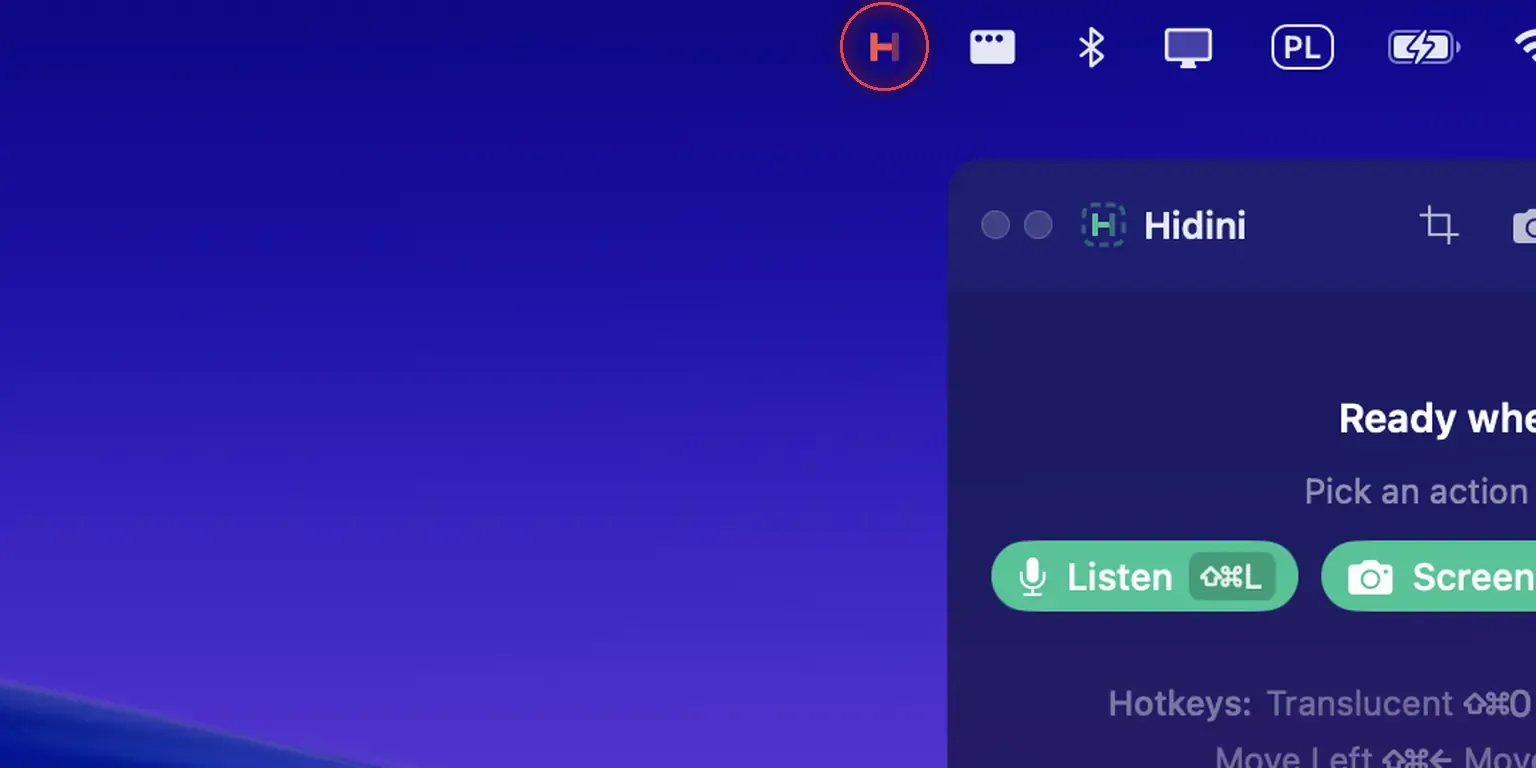
Hidini's menu bar icon now turns red when undetectable mode is off, and can vanish from the menu bar when it is on. Plus search across all your notes and drag-to-reorder note groups.
Blog
No posts match your search. Show all posts
Hidini's menu bar icon now turns red when undetectable mode is off, and can vanish from the menu bar when it is on. Plus search across all your notes and drag-to-reorder note groups.
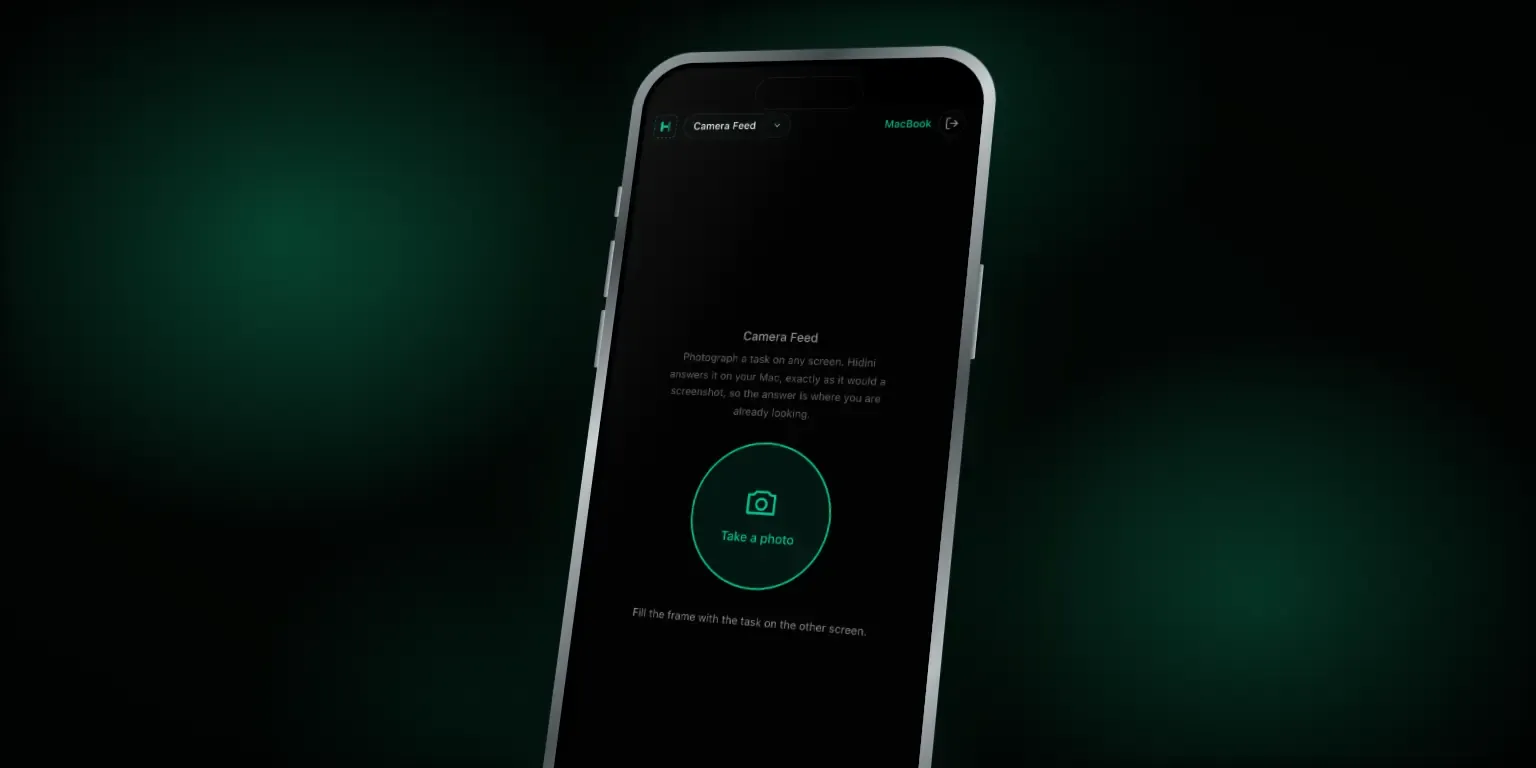
Your paired phone can now photograph a question on another screen, a second laptop included, and Hidini answers it on your Mac. Plus formatted answers, faster Apple transcription on macOS 26, and a refreshed model list.

Your paired phone can now show the entire Hidini conversation: the live transcript, the answer as it streams, the code with its colours. Hide the overlay and read it off the phone beside your Mac.

Hidini 1.14 turns your phone into a trackpad for the invisible overlay. Scan a code, and the remote control opens in your browser. No app to install, no account, and nothing leaves your Wi-Fi.
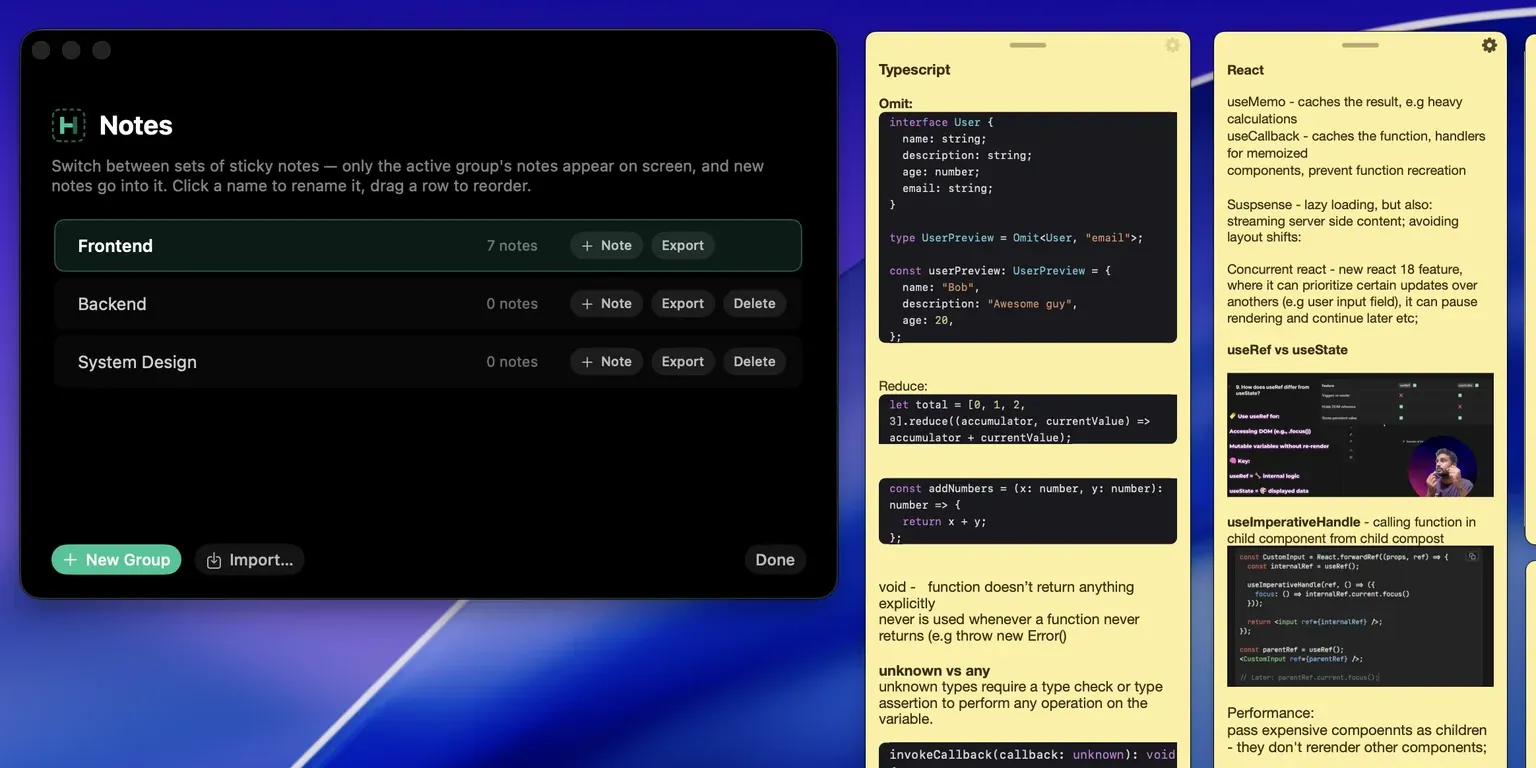
Invisible sticky notes are now organized into named groups. Only the active group is on screen, switching between them takes one keystroke, and everything stays invisible to screen sharing.
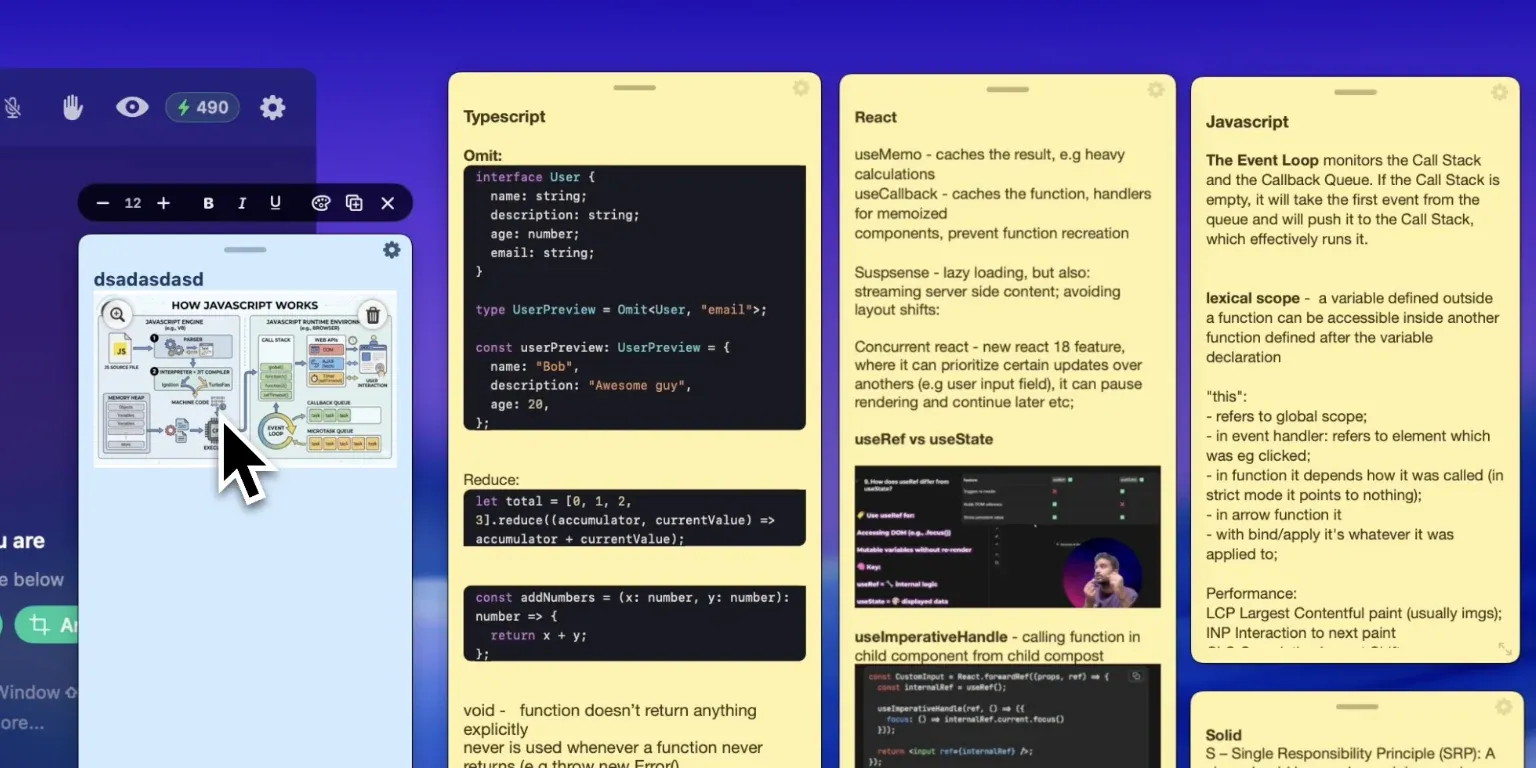
Paste a screenshot straight into a sticky note, or drop in a code snippet and watch it format itself. Both stay invisible to screen sharing, and neither one slows your notes down.
A complete guide to installing Hidini, choosing your AI provider, and running your first interview session.
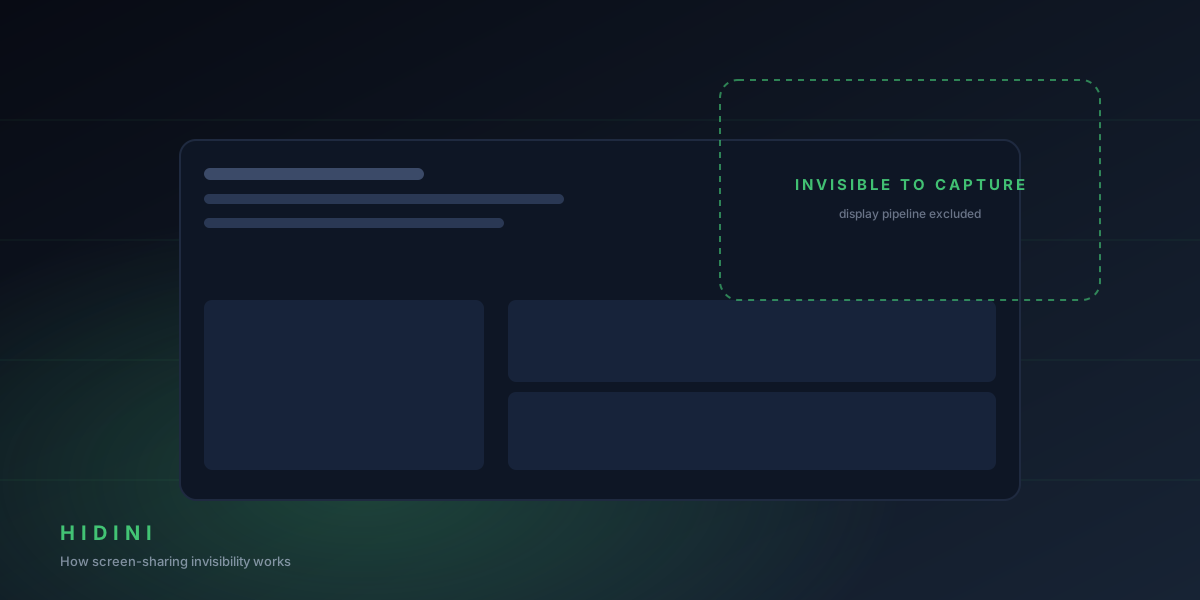
What Hidini's invisibility means in practice: what you see, what the interviewer sees, and how to verify it yourself before a real interview.
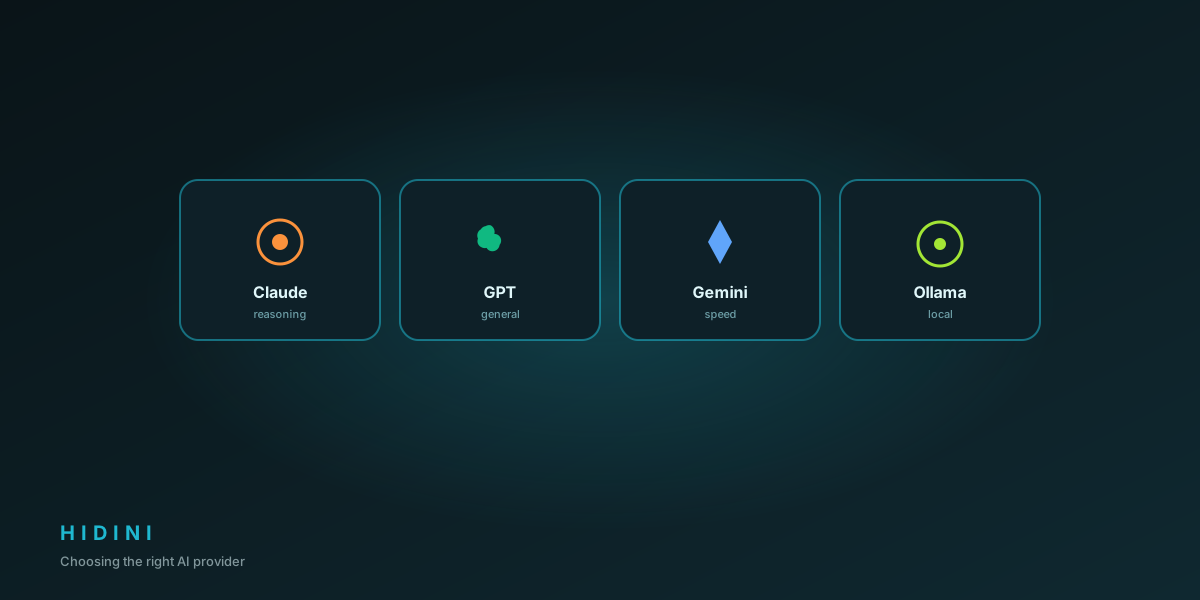
A practical comparison of Claude, GPT, Gemini, and local AI for technical interview assistance: accuracy, speed, cost, and privacy.
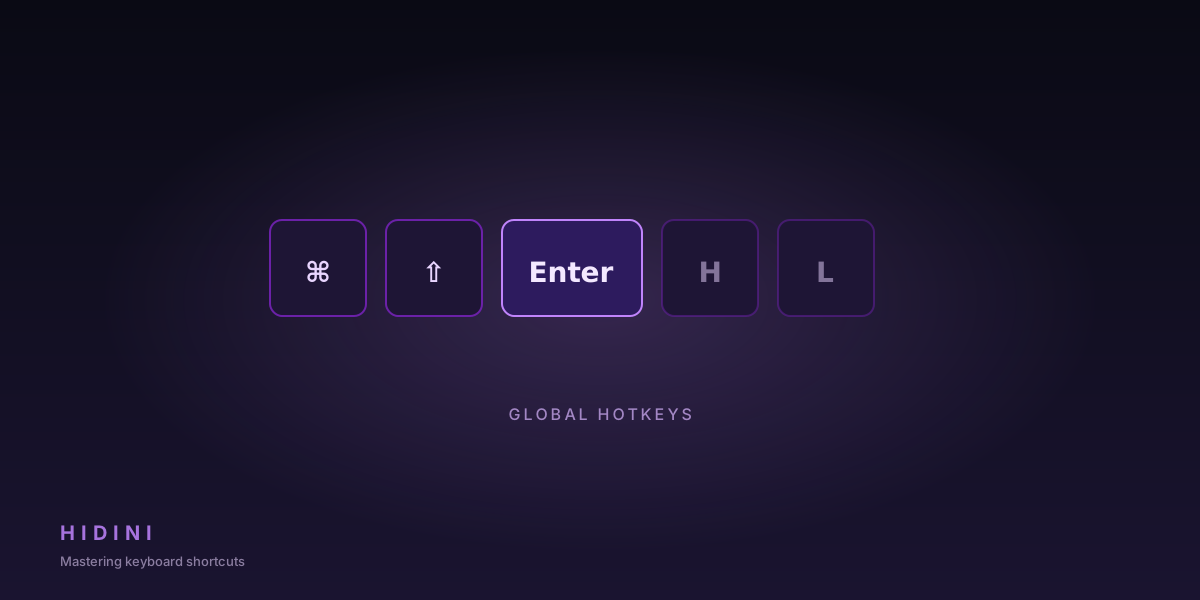
The complete hotkey reference for Hidini: every action, every shortcut, and how to customize them.
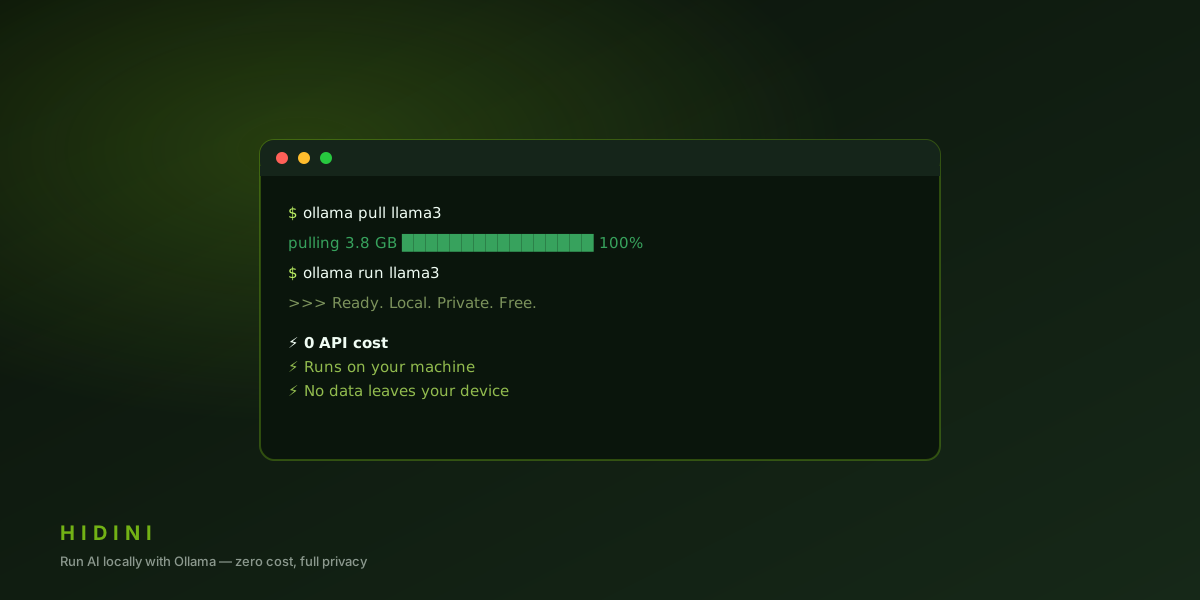
How to set up Ollama with Hidini for completely free, fully private AI interview assistance that never sends data off your machine.
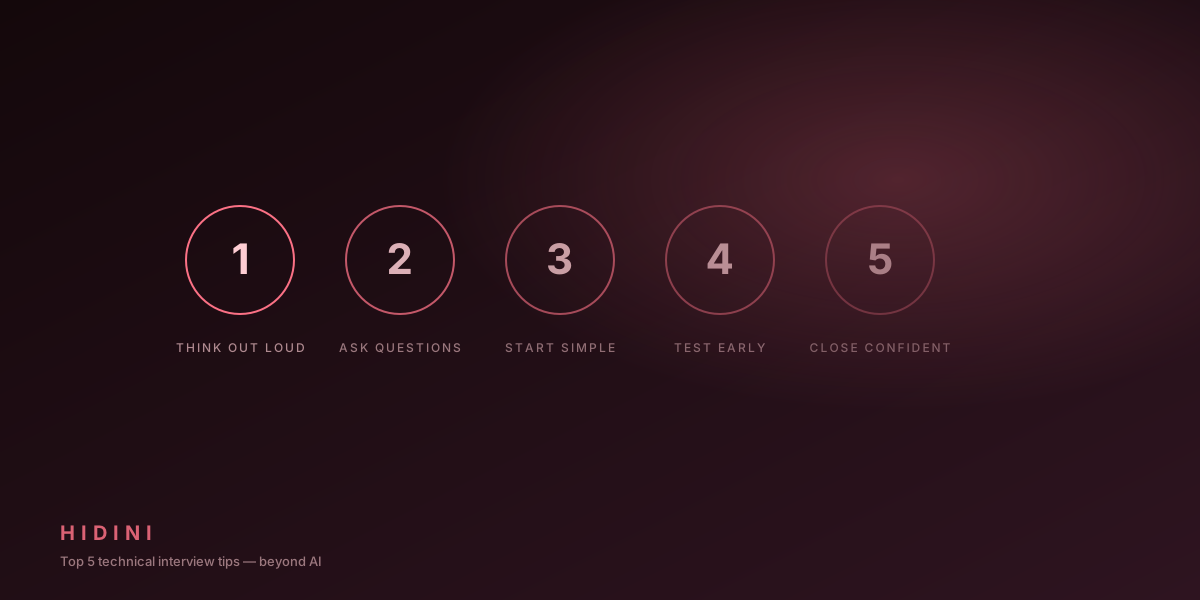
Practical strategies for technical interviews that complement your AI assistant: preparation, communication, and mindset.