How Screen-Sharing Invisibility Works
What Invisibility Means
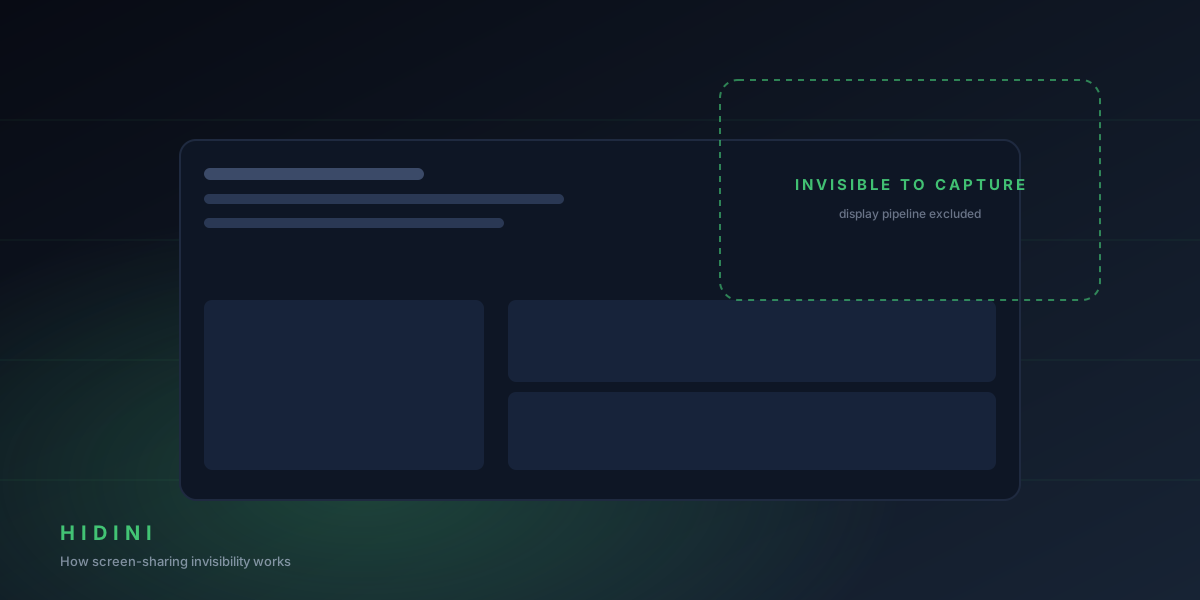
When you share your screen in Zoom, Google Meet, or Microsoft Teams, the Hidini overlay is simply not there. You see the full interface on your display. Everyone watching the shared screen sees a clean desktop.
This is not a visual trick, an opacity hack, or pixel manipulation. The overlay is genuinely absent from captured output:
- Zoom does not show it
- Google Meet does not show it
- Microsoft Teams does not show it
- OBS recordings do not include it
- macOS screenshots (Cmd+Shift+3) do not include it
It applies to every Hidini window: the main overlay, the settings panel, and tooltip popovers.
Staying Out of Sight Elsewhere
Invisibility goes beyond the shared screen. Hidini shows no icon in the Dock, no standard application menu, and does not appear in the macOS application switcher. The only visible indicator is a tiny Hidini “H” icon in the menu bar, small enough that nobody notices it during a call.
Screenshots Sent to AI
When Hidini captures your screen to analyze a coding problem, its own windows are left out of that capture too. The screenshot sent to the AI provider shows exactly what the interviewer sees: your code editor and the problem statement, with no Hidini UI in the frame.
Limitations
Honest edge cases to be aware of:
-
Physical observation. If someone is physically looking at your screen, they will see the overlay. Invisibility applies to software screen capture only.
-
macOS version. Hidini requires macOS 14 Sonoma or later.
-
Remote desktop. Some remote desktop solutions handle screen output differently than standard screen sharing apps, so test your specific setup first.
Verify It Yourself
You do not have to take our word for it:
- Launch Hidini
- Start a Zoom meeting and share your screen
- Look at Zoom’s preview of your shared screen
- The Hidini overlay will be missing from the preview
The result is deterministic. It is not a race condition or a timing trick, and it works the same way every session.
Why We Keep the Details Private
The exact technique behind the invisibility is the core of what makes Hidini work, so we do not publish implementation details. What we do promise: it relies on stable, supported macOS behavior, not on fragile hacks that break with the next system update.