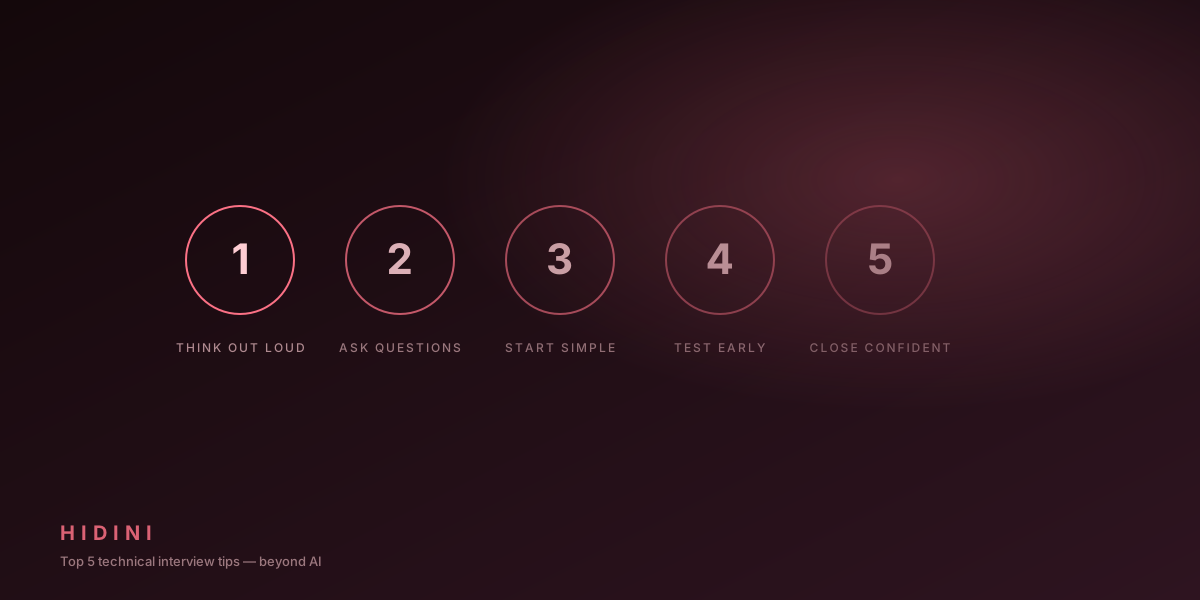
Top 5 Technical Interview Tips (Beyond AI)
AI Is a Tool, Not a Replacement
Hidini gives you an edge during interviews, but it works best when combined with solid preparation. These five tips will help you make the most of both your own skills and your AI assistant.
1. Think Out Loud
The biggest mistake candidates make is going silent while thinking. Interviewers want to see your thought process, not just the final answer.
How Hidini helps: While you’re talking through your approach, the AI is processing the conversation and preparing hints. By the time you need guidance, it already has context on the problem.
The technique:
- Restate the problem in your own words
- Identify constraints and edge cases
- Propose an approach before coding
- Explain trade-offs as you go
2. Clarify Before You Code
Never jump straight into coding. Ask clarifying questions first. This shows maturity and prevents you from solving the wrong problem.
Good clarifying questions:
- “What’s the expected input size?”
- “Should I handle edge cases like empty arrays?”
- “Is the input always sorted?”
- “What should I return if there’s no valid answer?”
How Hidini helps: If you’re not sure what questions to ask, request a hint before you start coding. The AI will often identify assumptions you should verify.
3. Start with Brute Force
Don’t try to find the optimal solution immediately. Start with a working brute force approach, then optimize.
The progression:
- Describe the brute force approach and its complexity
- Implement it (or pseudocode it)
- Identify the bottleneck
- Optimize that specific bottleneck
- Verify the improved complexity
How Hidini helps: Screenshot the problem with Cmd+Shift+S, or box just the problem statement with Cmd+Shift+A. The AI returns the optimal solution with complexity analysis, which you can use to guide your optimization after presenting brute force.
4. Practice Under Realistic Conditions
Don’t just practice algorithms in isolation. Practice the full interview experience:
- Use a timer (45-60 minutes)
- Explain your thinking out loud to an empty room
- Use Hidini with Ollama (free) during practice
- Practice switching between the overlay and your code editor
The goal: On interview day, everything should feel automatic. You shouldn’t be figuring out hotkeys or provider settings, because that should already be muscle memory.
5. Know Your Resume Cold
Behavioral and experience questions catch candidates off guard more often than algorithm questions. For every project on your resume:
- What was the problem?
- What was your specific contribution?
- What technical decisions did you make and why?
- What would you do differently?
- What were the measurable results?
How Hidini helps: The AI has your conversation context. If the interviewer asks a follow-up about something you mentioned, the AI can help you structure a compelling STAR response (Situation, Task, Action, Result).
Bonus: The Day-Before Checklist
- Hidini installed and configured
- AI provider connected and tested
- Transcription engine selected and tested
- Hotkeys practiced until automatic
- Ollama running (if using local AI)
- Camera and microphone tested
- Backup internet connection ready
- Quiet environment secured
- Resume printed and reviewed
- Company research completed